Easy Photo And Video Editing Tips For Creators
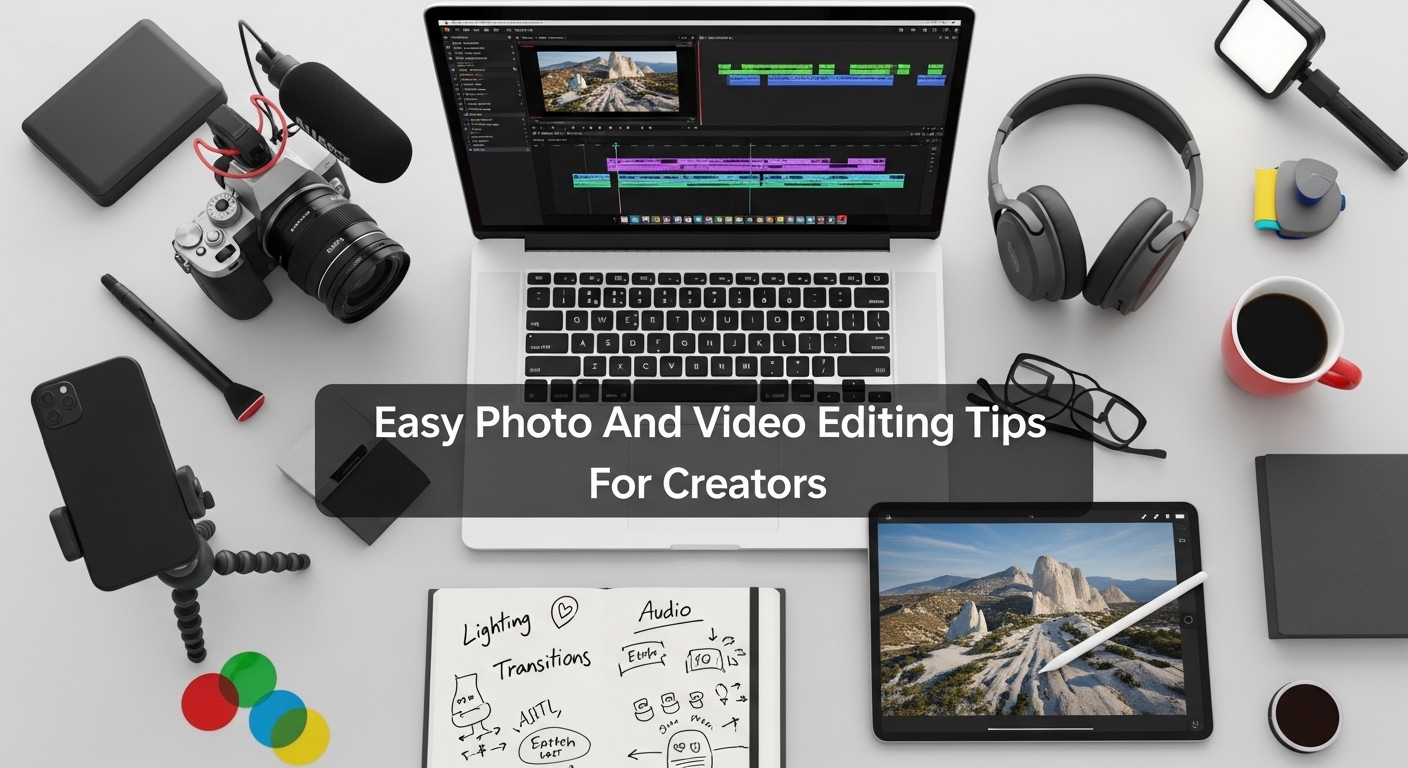
Photo and video editing can look complicated at first, but simple techniques can quickly improve quality and make content more professional. Creators do not need advanced skills to get great results. With basic adjustments, smart tools, and consistent practice, anyone can enhance visuals for social media, YouTube, or personal projects in an easy and effective way.
Basic Editing Foundations
Adjust Brightness And Contrast
Brightness and contrast are the most important editing settings for improving image clarity. Adjusting them correctly makes photos look balanced and professional. Too much brightness can wash out details, while proper contrast adds depth and sharpness for better visual impact.
Crop For Better Composition
Cropping helps remove unwanted areas and improves framing in photos and videos. It allows creators to focus on the main subject. A well-cropped image looks cleaner, more professional, and visually appealing for social media platforms and presentations.
Use Straightening Tools
Straightening tools fix tilted images and improve alignment. Even a slightly tilted horizon can make photos look unprofessional. Correcting angles ensures a balanced and stable visual appearance, especially in landscape and architectural photography.
Control Saturation Carefully
Saturation controls the intensity of colors in an image. Increasing it slightly can make visuals more vibrant, but overdoing it can look unnatural. Balanced saturation helps maintain realistic and professional-looking photos and videos.
Apply Simple Sharpness
Sharpness improves detail clarity in photos and videos. A small increase enhances edges and textures. However, too much sharpening can create noise, so subtle adjustments produce the best professional results.
Smart Color Editing Tips
Use Natural Color Tones
Natural tones keep images realistic and visually pleasing. Over-edited colors often look fake and reduce quality. Maintaining natural balance helps create professional and clean content for all platforms.
Match Color Style Consistently
Using the same color style across all content builds a strong visual identity. Consistency helps creators develop a recognizable brand, especially on Instagram, YouTube, and blogs.
Adjust White Balance
White balance corrects color temperature in images. It ensures whites appear true and colors look accurate. Proper white balance improves overall photo quality significantly.
Use Presets For Speed
Presets save time by applying pre-made color settings. They help beginners achieve professional results quickly. Creators can also customize presets for unique styles.
Avoid Over Filtering
Too many filters can reduce image quality. Simple editing always looks more professional. Minimal adjustments keep content clean and visually appealing.
Video Editing Essentials
Trim Unnecessary Clips
Trimming removes unwanted parts of a video and improves flow. Clean cuts make content more engaging and professional. It helps maintain audience attention effectively.
Use Smooth Transitions
Transitions help connect scenes smoothly. Simple transitions like fade or dissolve improve video quality. Overusing effects can distract viewers, so minimal use is better.
Add Background Music
Background music improves mood and engagement in videos. Choosing soft and relevant audio enhances storytelling and viewer experience. Volume should not overpower dialogue or main audio.
Maintain Consistent Pacing
Proper pacing keeps videos interesting and easy to watch. Slow or uneven editing can reduce engagement. Balanced timing improves storytelling and viewer retention.
Use Text Sparingly
Text overlays should be clear and minimal. Too much text can clutter the screen. Simple captions improve understanding without distracting viewers.
| Editing Tip | Purpose | Result |
|---|---|---|
| Cropping | Improve framing | Clean visuals |
| Brightness | Light correction | Balanced image |
| Transitions | Scene flow | Smooth videos |
| Presets | Fast editing | Consistency |
| Music | Engagement | Better mood |
Mobile Editing Tips
Use Mobile Presets
Mobile presets make editing fast and simple. They apply professional effects instantly. Creators can edit photos and videos directly from smartphones.
Enable Auto Enhancements
Auto enhancement tools improve lighting and color automatically. They are useful for quick edits when time is limited. Results are often surprisingly professional.
Edit In Good Lighting
Editing photos in proper lighting ensures accurate color judgment. Poor lighting can lead to incorrect adjustments. Natural light works best for editing accuracy.
Save Original Files
Always keep original files before editing. This allows creators to revert changes if needed. It also helps in creating multiple versions of content.
Keep Editing Simple
Simple edits often look more professional than complex ones. Minimal adjustments improve quality without over-processing the content.
Advanced Creative Tips
Build A Visual Style
Creating a personal style helps content stand out. Consistent tones and effects build strong branding across platforms.
Learn Color Grading Basics
Color grading improves mood and storytelling in videos. Even basic adjustments can create cinematic results.
Use Layer Editing
Layer editing allows multiple adjustments without affecting the original image. It provides flexibility for advanced creative work.
Study Professional Content
Analyzing professional creators helps improve editing skills. Observing styles and techniques inspires better creativity.
Experiment With Effects
Trying new effects helps discover unique editing styles. Experimentation improves creativity and skill development over time.
Workflow Efficiency Tips
Organize Files Properly
Keeping files organized saves time during editing. Clear folders improve workflow and productivity.
Create Editing Templates
Templates help speed up repetitive tasks. They ensure consistency across multiple projects.
Use Keyboard Shortcuts
Shortcuts make editing faster and more efficient. They reduce time spent on repetitive actions.
Batch Edit Content
Batch editing allows multiple photos or videos to be edited together. It ensures consistent style across all content.
Review Before Export
Always review final edits before exporting. This helps catch mistakes and improve quality.
What is the easiest editing tip for beginners?
Start with brightness, contrast, and cropping for quick improvements.
Do presets make editing better?
Yes, presets help achieve professional results quickly and easily.
How can I improve video quality fast?
Use proper lighting, smooth transitions, and simple edits.
Is over-editing bad?
Yes, over-editing can make photos and videos look unnatural.
What is the best editing style?
Simple, clean, and natural editing styles look the most professional.
Conclusion
Easy photo and video editing tips for creators focus on simplicity, consistency, and smart adjustments. By using basic tools like cropping, color correction, and presets, anyone can create professional-looking content. With regular practice and minimal editing techniques, creators can improve visual quality, build a strong style, and produce engaging content for all platforms.